Digital Workspace Optimization: Streamline Your Smartphone & PC
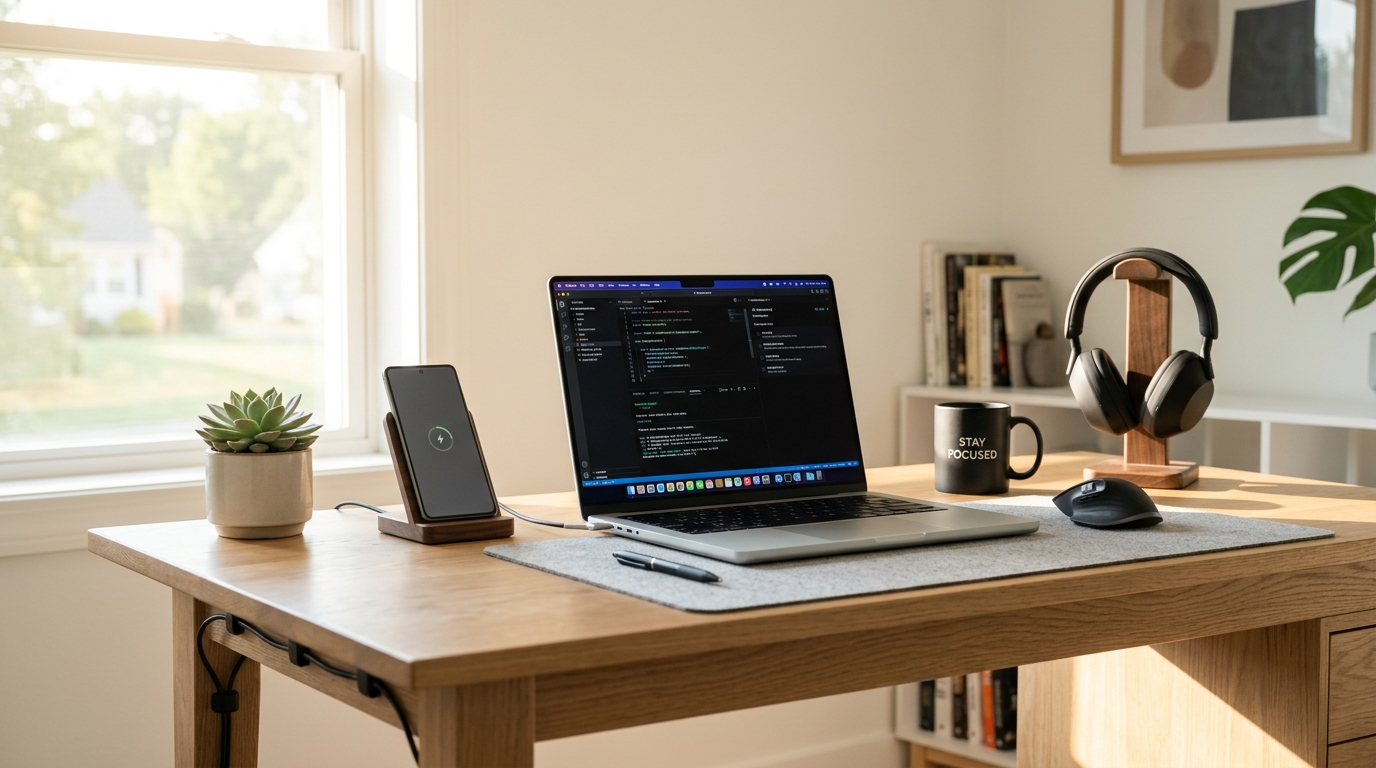
Modern knowledge workers spend upwards of eight to ten hours every day inside digital environments. Yet while we intuitively understand that a physical desk buried under loose papers and empty coffee mugs impairs concentration, we rarely apply the same standards of cleanliness to our digital workspaces. Red notification badges, seventy open browser tabs, and desktop screens cluttered with screenshots drain our focus just as severely.
Every unfiled document and flashing alert represents an open cognitive loop that demands unconscious processing power. By streamlining your smartphone and computer setup, you can reclaim focus, eliminate distraction, and foster a calm digital routine.
The 4-Step Smartphone Focus Architecture
1. Notification Triage (The “Direct Human” Rule)
Audit every installed app on your smartphone using one strict criterion: Does this notification represent an immediate, direct communication from a real human being?
- Keep Active: Direct phone calls, direct text messages from family or immediate colleagues.
- Silence Completely: News breaking alerts, social media likes and comments, marketing updates, food delivery promotions, and game pings.
2. The Minimalist Home Screen Framework
Your primary home screen should look like a calm, functional instrument panel rather than an attention casino. Limit your first home screen to precisely eight to twelve essential everyday utility tools (e.g., Phone, Maps, Calendar, Notes, Camera). Move all other applications into categorized folders or search-only app libraries.
Streamlining Your Computer Desktop and Workflow
| Digital Surface | Common Friction Point | Optimization Strategy |
|---|---|---|
| Computer Desktop | Screenshots & loose downloads everywhere | Maintain a “Zero-Desktop” policy; file items in an Archive folder weekly. |
| Browser Windows | 50+ open tabs causing computer lag and distraction | Use session managers or close tabs at the end of every work session. |
| Email Inbox | Unsorted marketing newsletters | Aggressively unsubscribe; process emails during two dedicated daily blocks. |
The Friday Afternoon 10-Minute Digital Shutdown
End every workweek with a non-negotiable ten-minute digital shutdown ritual. Clear your computer downloads folder, close all open browser windows, review your upcoming Monday calendar commitments, and shut down your machine completely. This provides psychological closure, ensuring you enter your weekend free from residual work anxiety.
Conclusion
Your digital devices should serve as powerful tools for your intentional goals, not slot machines competing for your attention. Implementing notification boundaries and a clean desktop structure restores your clarity and peace of mind.
Protect your devices further with our guide to Smartphone Battery Health: Practical Habits for Lithium-Ion Longevity.